



Conecta fonio con Google Sheets
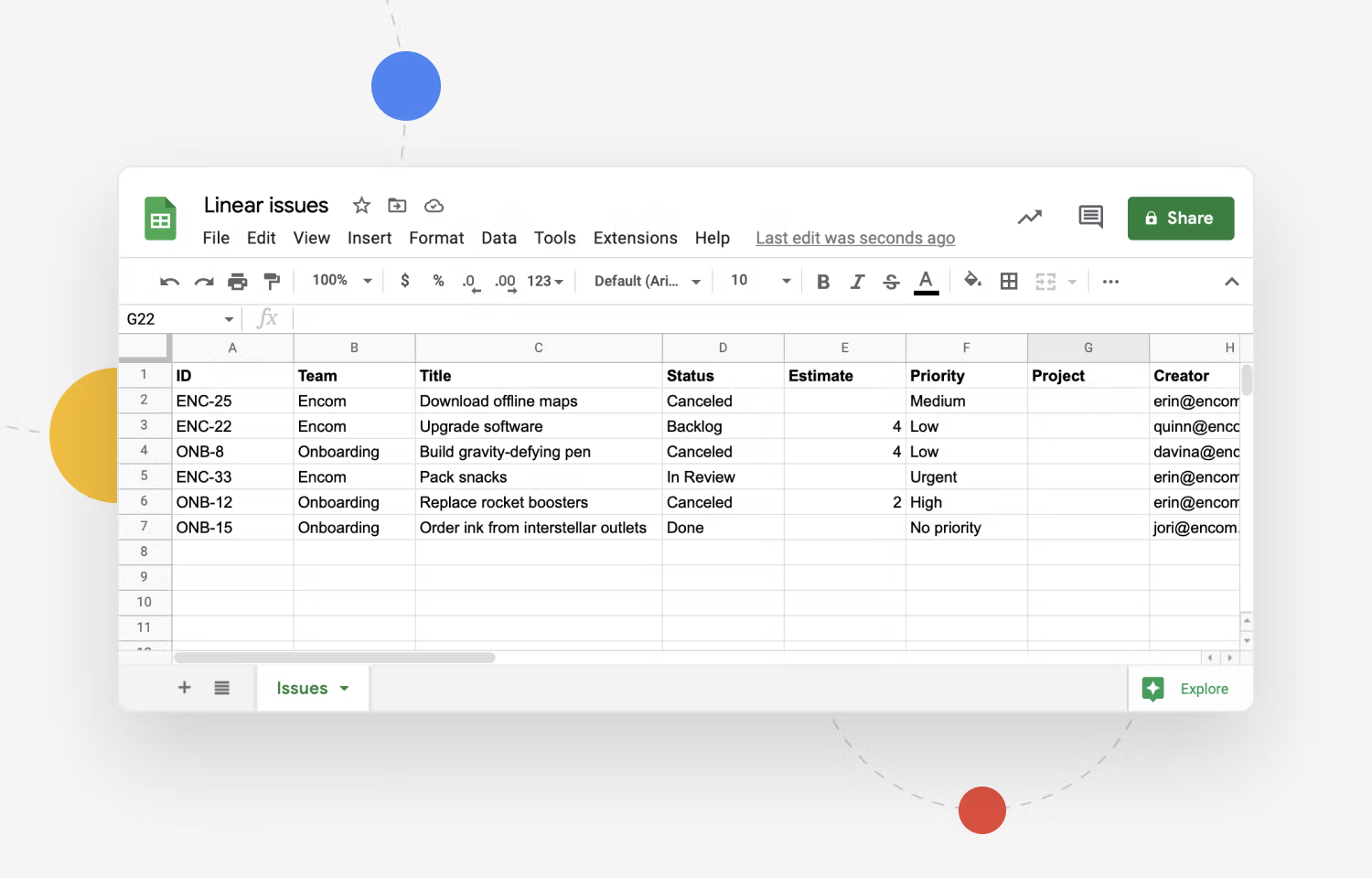
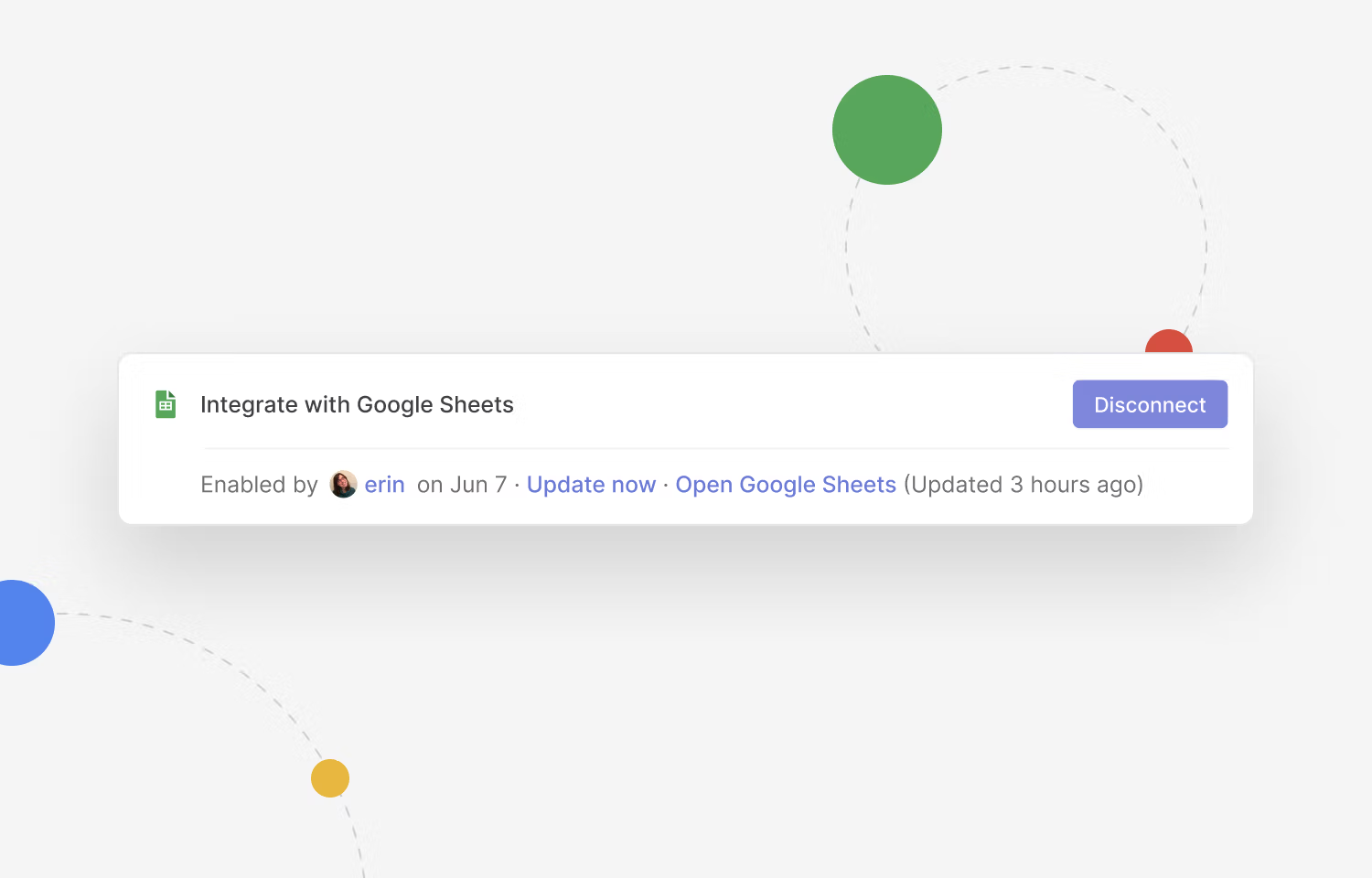
fonio answers the call, pulls out the details, and appends them as a row in the sheet your team already works in. It can read the sheet mid-call too, so a caller gets an answer instead of a callback.

- No copying call notes into a spreadsheet
- Look up a row while the caller is on the line
- Works with the sheet you already have
How it works
fonio writes the row while the call is still happening, so nobody transfers notes afterwards. It can read the sheet mid-conversation too, so a caller asking about an order or a booking is told there and then. Everything lands in the spreadsheet your team already opens, in the columns that are already there. Calls that come in after hours are waiting in the sheet the next morning.
Use cases
A new enquiry comes in
fonio takes the name, number and request, and adds the row.
A caller asks about an existing order
fonio finds the row by reference and reads the status back on the call.
A caller wants to be called back
The row is flagged with their number and the best time to reach them.
Nobody is in the office
Calls after hours land in the sheet overnight, ready the next morning.
Ready in 4 steps
- Step 1
Connect your Google account.
:quality(80))
- Step 2
Pick the spreadsheet and tab fonio should work in.
- Step 3
Match the fields fonio captures to the columns you already use.
- Step 4
Place a test call and check the row appears with the values you expect.
Capabilities
- Read rows from a sheet
- Append new rows
- Look up by name or reference
- Read a value back to the caller
- Run before, during or after the call
- Choose the sheet and tab
Questions about the Google Sheets integration
Google SheetsRead rows from a sheet or append new rows — before, during, or after a call.
- Categoría
- Productividad y conocimiento
Llamadas reinventadas, con fonio
Prueba fonio.ai tú mismo y descubre cómo nuestro asistente telefónico de IA automatiza tus llamadas y alivia la carga de tus empleados: sencillo, eficiente y las 24 horas del día.