



Connect fonio with Google Sheets
fonio answers the call, pulls out the details, and appends them as a row in the sheet your team already works in. It can read the sheet mid-call too, so a caller gets an answer instead of a callback.
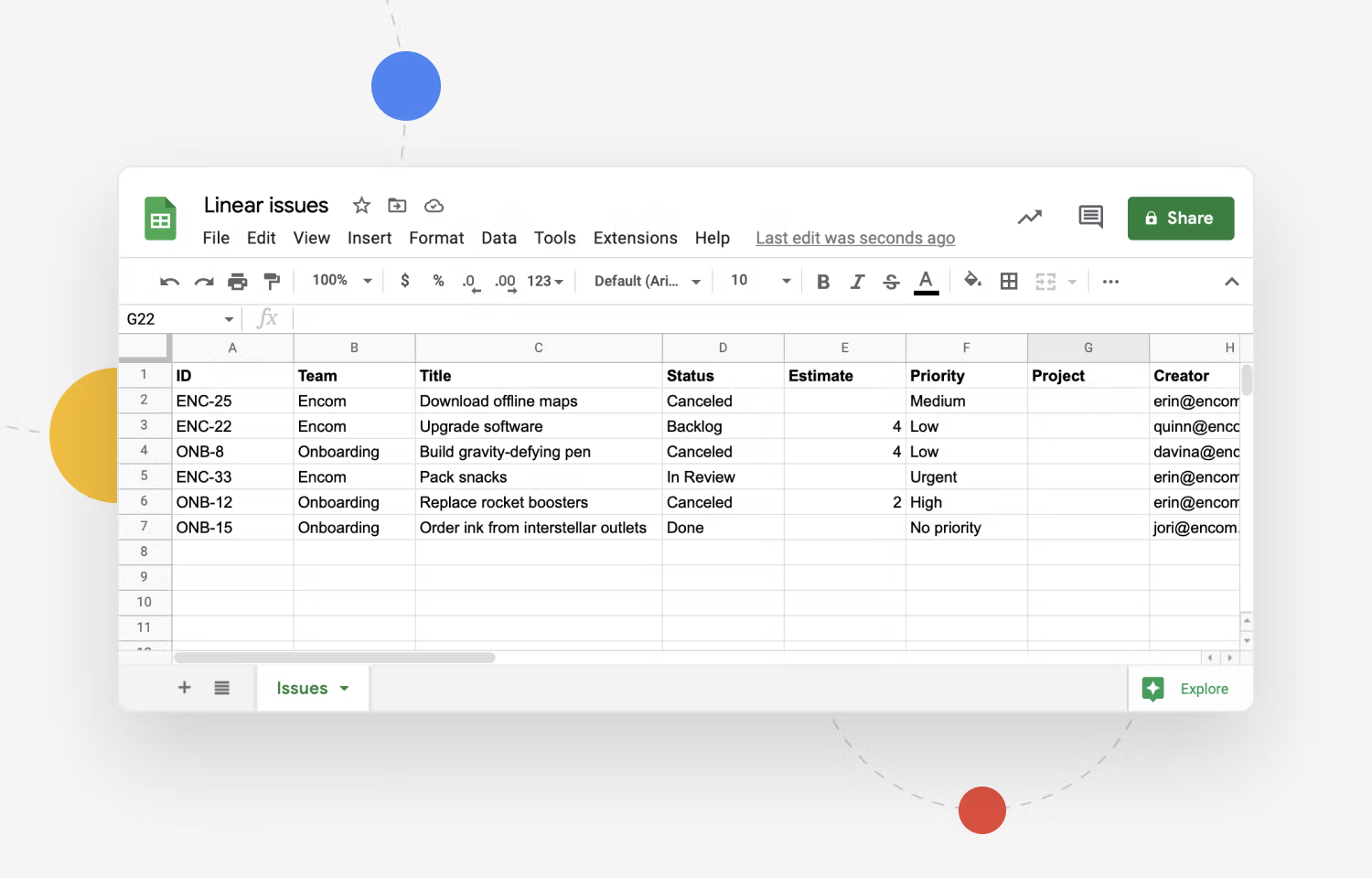
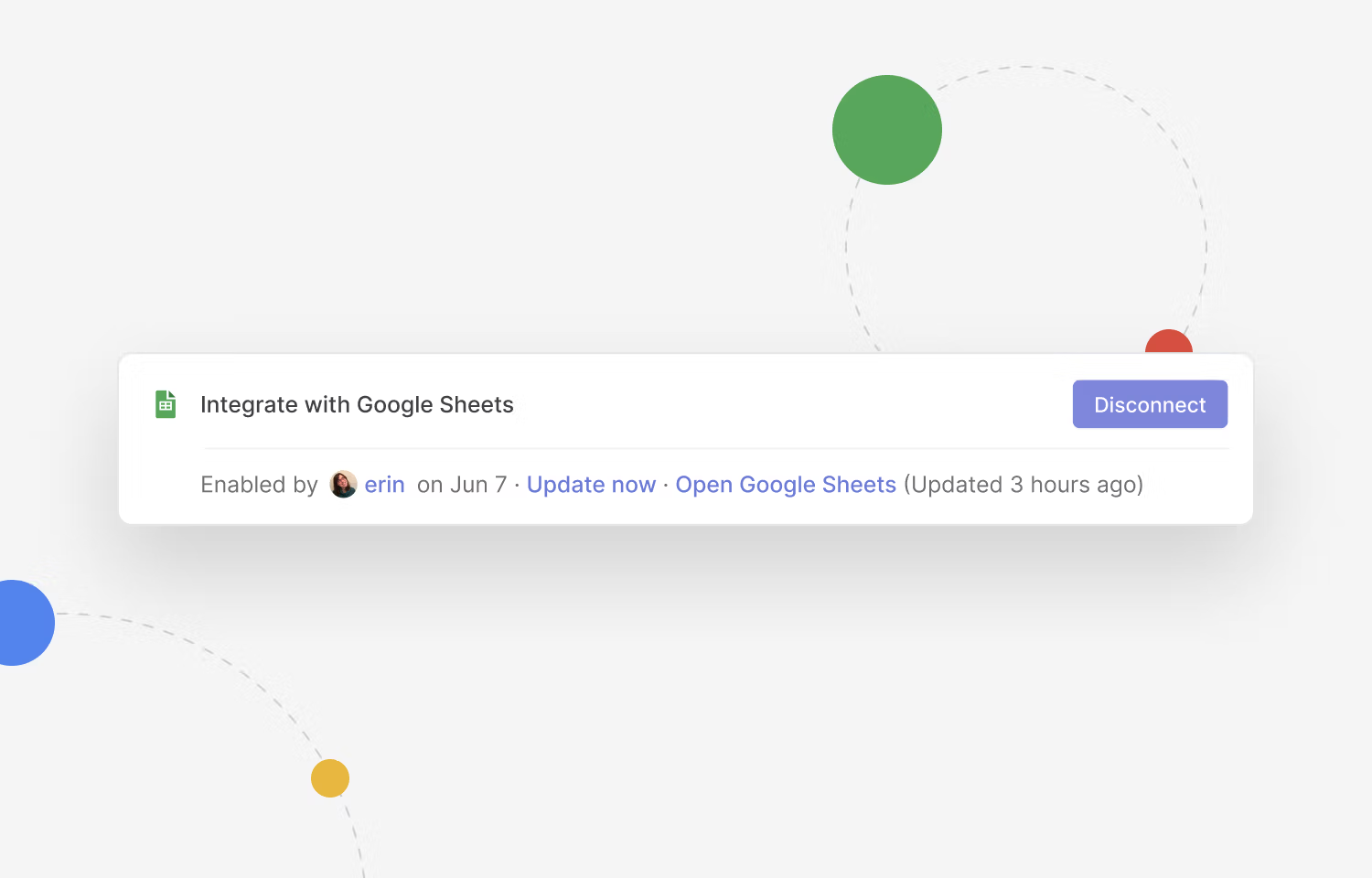
- No copying call notes into a spreadsheet
- fonio can look a row up while the caller is on the line
- Works with the sheet you already have
How fonio and Google Sheets work together
The customer calls your business
Outside opening hours too, and while the team is busy with someone else.
fonio structures the conversation
Caller, reason, contact details and dates, pulled out as clean fields.
A row appears in your sheet
Appended to the tab you choose, in the columns you already use.
What this gives you day to day
No retyping after the call
The row is written while the call is happening, so nobody transfers notes afterwards.
Answers during the call
fonio can read the sheet mid-conversation, so someone asking about an order or a booking is told there and then.
Nothing new to learn
It writes into the spreadsheet your team already opens, using the columns that are already there.
Three typical situations
- 01
A new enquiry comes in
fonio takes the name, the number and what they want, and adds the row so anyone can pick it up.
- 02
A caller asks about an existing order
fonio finds the row by name or reference and reads the status back on the call.
- 03
Someone calls after hours
The details land in the sheet overnight, ready for whoever opens it in the morning.
What is transferred?
Every call produces the same set of fields, so each row lands in the same columns.
| Trigger | Information processed by fonio | Action in Google Sheets |
|---|---|---|
| Call completed | Caller name, phone number, reason for the call and a summary | New row appended to the tab you choose |
| Callback requested | Contact details and the best time to reach them | Row appended and marked for follow-up |
| Lookup during the call | Name, phone number or reference given by the caller | Matching row read back to the caller |


Chiamate ripensate, con fonio
Prova fonio.ai in prima persona e scopri come il nostro assistente telefonico AI automatizza le tue chiamate e alleggerisce il tuo team – in modo semplice, efficiente e a qualsiasi ora.