Select a pleasant voice for the AI and configure a friendly welcome message to greet callers professionally.

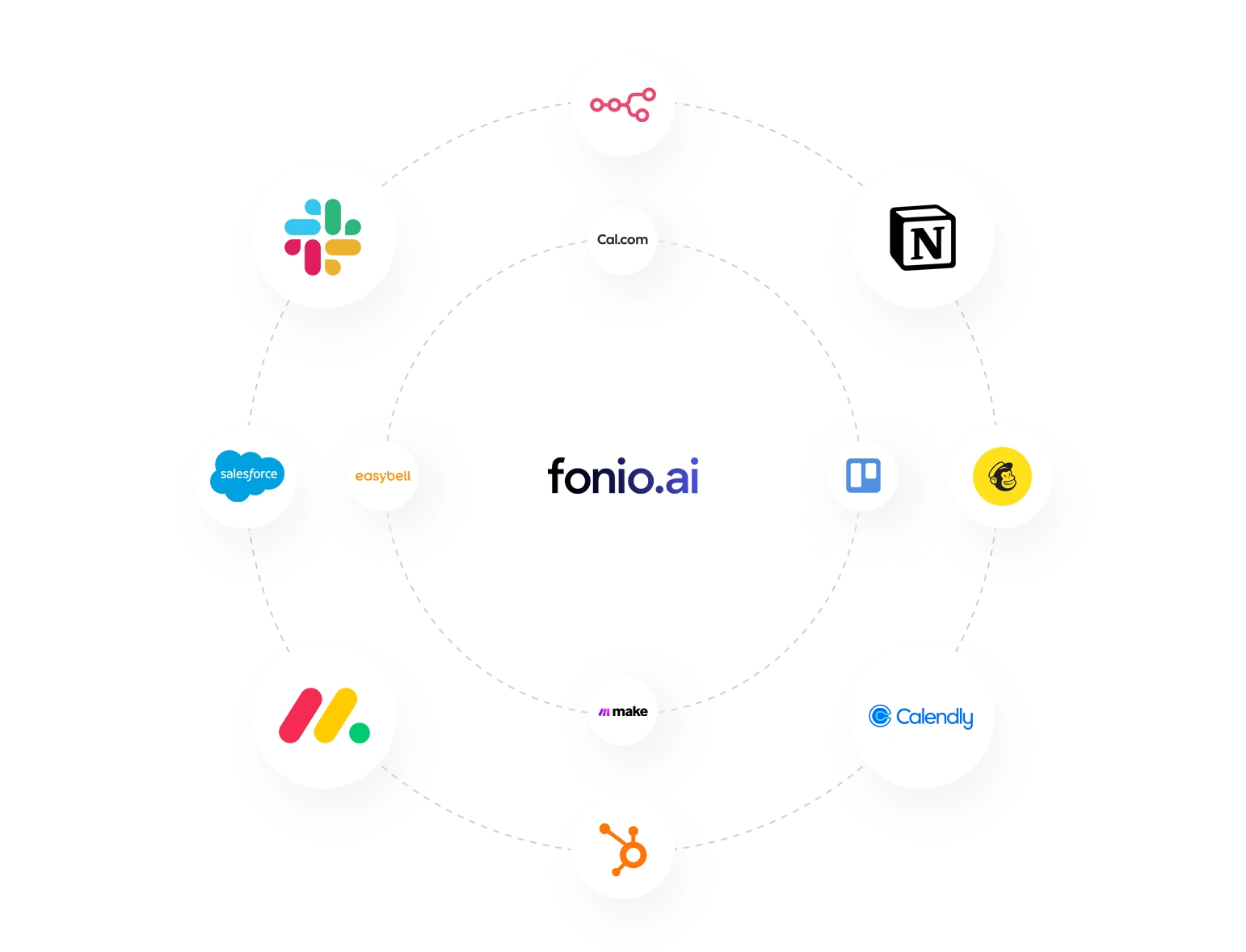
Link your calendar (e.g. Google, iCloud, Outlook) to fonio via Calendly or cal.com to check availability in real time.

Call the AI and book an appointment to ensure that everything is functioning correctly.

The AI call assistant arranges your appointments and suggests availability from your calendar in real time.

Nutze unsere nativen Integrationen mit Calendly oder cal.com, um deinen Kalender zu synchronisieren.

After each call, the appointment details are sent to you via email or text message to make managing your appointments even easier.